
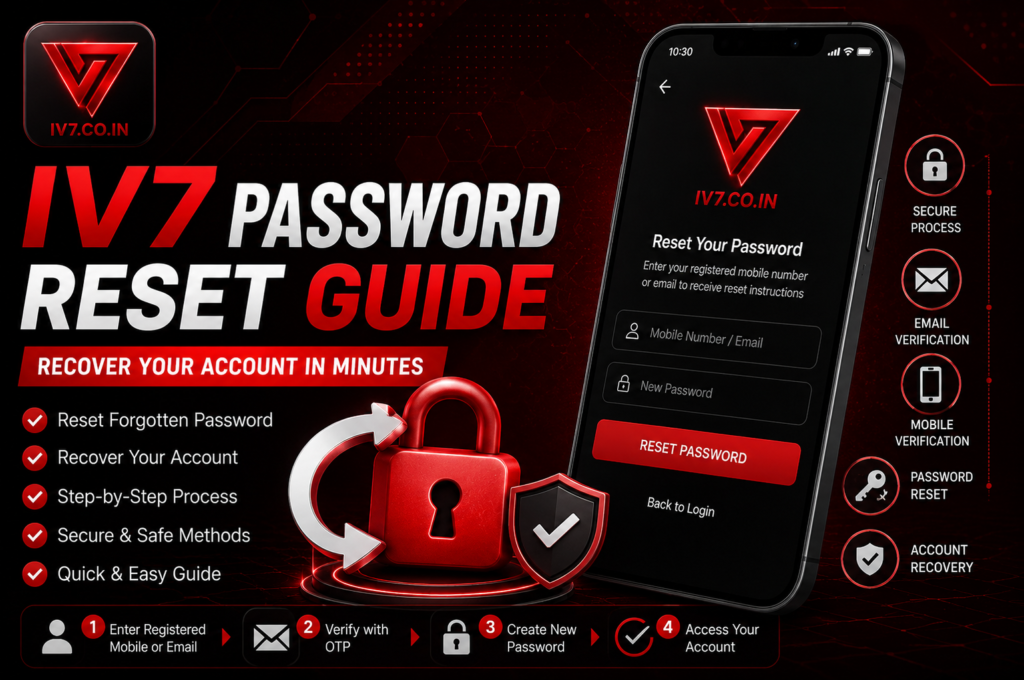
Forgetting your password is one of the most common problems IV7 users face. In this ultimate IV7 Password Reset guide for 2026, we will show you the fastest and safest ways to recover your account, reset your password, and get back into your IV7 account within minutes.
Why IV7 Password Reset is Needed?
Many users suddenly face IV7 Forgot Password issues due to:
- Changing phones
- Security alerts forcing password change
- Long time since last login
- Typing wrong password multiple times
This detailed guide covers every possible method for IV7 Password Reset, Reset IV7 Password, and full IV7 Account Recovery.
Method 1: Quick IV7 Password Reset Using Mobile Number (Fastest Way)
This is the easiest and most recommended method.
Step-by-Step Process:
- Open the IV7 App on your phone
- On the login screen, tap on “Forgot Password” or “Reset Password”
- Enter your registered mobile number
- Verify the OTP sent to your number
- Create a new strong password
- Log in successfully with the new password
This entire IV7 Password Reset process usually takes less than 2 minutes.
Method 2: IV7 Password Reset via Email
If you have registered your email:
- Go to login page
- Select “Forgot Password”
- Choose email option
- Check your inbox for reset link
- Follow the link and set new password
Method 3: IV7 Login Help When You Don’t Have Mobile Access
If you lost your old SIM card:
- Open the app and go to Support section
- Submit “Account Recovery Request”
- Provide username, old mobile number, email, and transaction proofs
- Wait for verification (usually 24-48 hours)
- Support team will help you reset the password
Method 4: Change Password After Successful Login
If you can already log in but want to change password:
- Log into your IV7 account
- Go to Profile → Security Settings
- Tap on “Change Password”
- Enter old password + new password
- Confirm and save
Important Safety Tips During IV7 Password Reset
- Never share your OTP with anyone
- Create a strong password (minimum 8 characters with mix of letters, numbers & symbols)
- Use different passwords for different apps
- Enable login notifications if available
- Always use official app and website
Common Problems During IV7 Password Reset & Solutions
Problem 1: OTP not coming Solution: Check signal, request new OTP, or try after 1 minute.
Problem 2: “Invalid Number” error Solution: Double-check the number you entered.
Problem 3: Account temporarily locked Solution: Wait 30 minutes and try again.
Problem 4: Support not responding Solution: Send follow-up with more details and proofs.
How to Make Your IV7 Account More Secure After Reset
- Change password every 2-3 months
- Use two-factor authentication if available
- Avoid saving password on public devices
- Regularly check login activity
IV7 Account Recovery – Full Process
If simple password reset doesn’t work, full account recovery process is explained in detail (with all required documents and steps).
Google Account Help: Learn more
Final Thoughts
IV7 Password Reset is very easy if you follow the correct steps. Most users can recover their account in under 5 minutes using the mobile number method.
Always remember to use only the official IV7 app and website for IV7 Forgot Password and recovery.
If you are facing any issue right now, try the first method immediately.
Stay safe and protect your account!